 01 / Choose
Decide what leaves your desk.
Your assistant proposes useful fields or a small operation. You see what will be included and omitted. The original files stay intact.
A research table. A product catalog. A calculation you repeat. Your AI assistant helps turn it into something another person can use.
Public beta · Start free · Runs on your computer
The native setup supports Apple Silicon macOS and Linux x86_64/arm64. A chat-only assistant cannot run this workflow. Read the setup guide.
01 / ChooseYour assistant proposes useful fields or a small operation. You see what will be included and omitted. The original files stay intact.
 02 / Preview
The selected package is tested locally through Froglet. Review its result and the exact information it exposes.
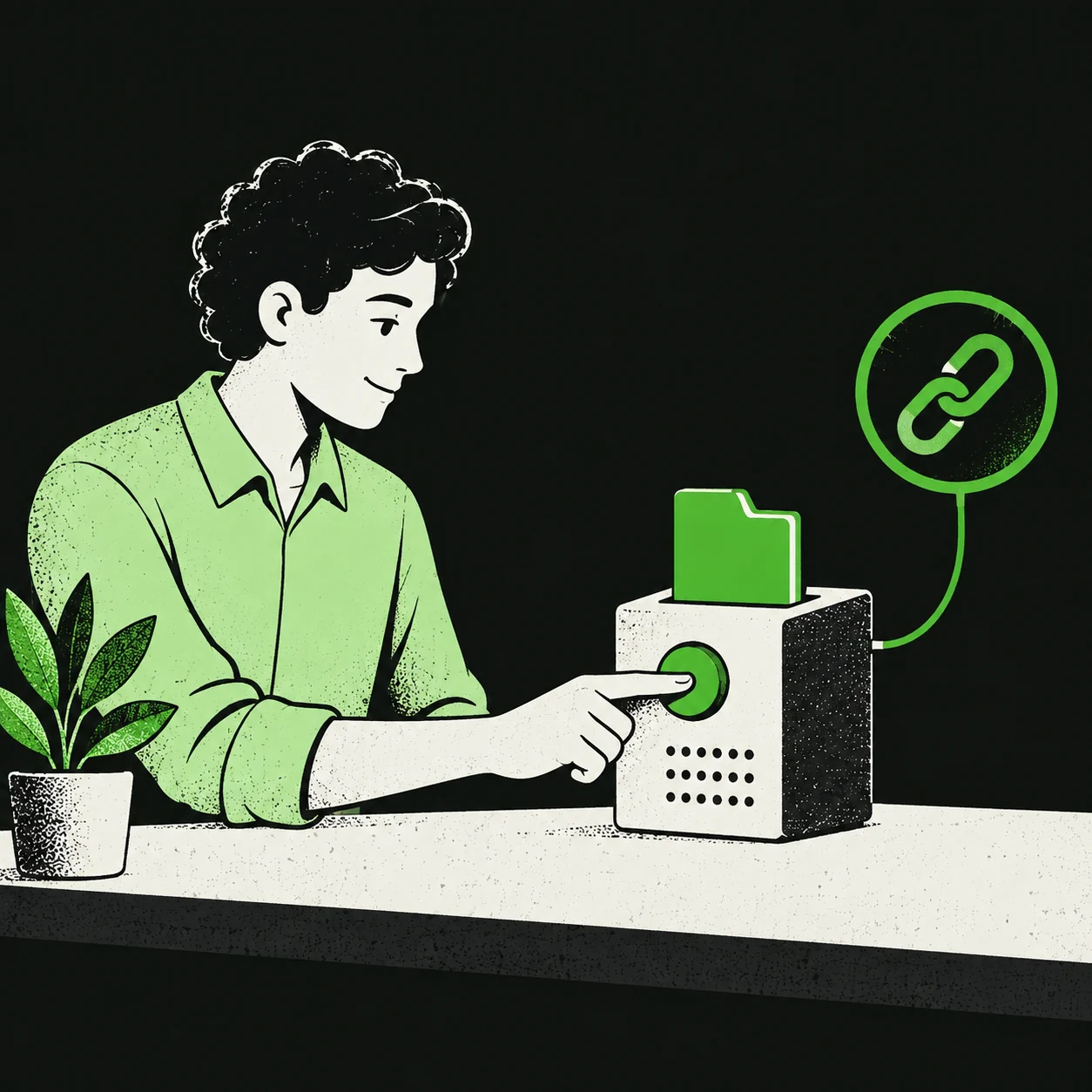 03 / Approve
Installation and publication are separate decisions. Check the package, public example, access settings, limits, and free price before approving.
 04 / Share
The recipient’s assistant checks the service and makes its own call. If it requires an invitation, send the access file separately through a trusted channel. The link alone does not grant access.

Use a small, non-confidential example. This is a public beta: clean-machine and first-time-user qualification are still pending. Verify the immutable release before installing, and review the exact public material before publishing.
Full sharing and invitation guide · Advanced functions, payments, and hosting
Browse services or inspect a signed sample in your browser.